
Short answer. Kommo (called amoCRM until 2022) is a sales CRM built around messaging: WhatsApp, Instagram, Facebook, Telegram, TikTok, email and live chat land in one inbox and become leads in a pipeline. As of November 2026 it costs $25, $35 or $45 per user per month (Base, Advanced, Pro), billed in USD for at least six months; Enterprise is priced on request. We work in Kommo every week for a health tourism clinic in Türkiye, where an AI agent runs shift-based lead routing and sales reporting on top of the clinic's own account. Below: what Kommo does, what it costs, who it fits, and five lessons from that work you can apply to your own account.
What is Kommo CRM?
Kommo is a cloud CRM for teams that sell through conversations; its own pricing page now calls it an AI CRM. The company announced the rename from amoCRM to Kommo on 11 October 2022, a name drawn from “communicate” and “como”. If your patients, buyers or students mostly write to you on WhatsApp or Instagram instead of filling in a long form, Kommo is designed for that: each conversation opens a lead, the lead sits in a pipeline stage, and the rep answers from the same card.
If you first want the general picture of what a CRM is and how to choose one, read What is CRM?. This post stays with Kommo.
Kommo CRM features that matter in practice
These are the parts of Kommo you will touch in the first weeks. Plan availability is taken from Kommo's pricing page as of November 2026.
- Pipelines. Board-style sales pipelines with your own stage names: up to 50 per account on Base, Advanced and Pro, 100 on Enterprise. You can make fields required at a given stage.
- Unified inbox and channels. WhatsApp through the official WhatsApp Business API, Instagram DMs and comments, Facebook pages, Telegram, one TikTok business account, two-way email sync, live chat and a website chat button. Base includes 1 WhatsApp number and 1 Instagram account, Advanced 3 of each, Pro unlimited; each extra user adds one more.
- Salesbot. A no-code bot builder, from Advanced up. Bots are built from steps: send a message, create a task, change the responsible user, or a Round Robin step that cycles through up to 100 options.
- Kommo AI. AI summaries, reply suggestions, an AI analyst, and AI agents that answer clients in chat from your knowledge sources, handle voice messages and book appointments. Each seat gets 750 (Base), 1,250 (Advanced) or 2,250 (Pro) AI credits a month; unused credits do not roll over. Advanced allows up to 3 AI agents, Pro up to 50.
- Lead capture and ads. Web forms, lead form ads from Meta, TikTok and LinkedIn, UTM tracking, and conversion events sent back to Meta and TikTok.
- API, webhooks and WebSDK. A REST API, widgets built with the WebSDK, and webhooks for events such as “lead added” or “incoming message received”. This is how outside systems, including an AI agent, work with Kommo.
Kommo CRM pricing (November 2026)
Kommo shows its prices per user per month, but you cannot pay monthly: the minimum subscription is six months, paid up front. Every user on the account must be on the same plan. The figures below were read on Kommo's pricing page in November 2026.
- Plan: BasePer user/month: $25Billed per user, 6 months: $150Active leads per seat: 2,500AI credits per seat/month: 750
- Plan: AdvancedPer user/month: $35Billed per user, 6 months: $210Active leads per seat: 5,000AI credits per seat/month: 1,250
- Plan: ProPer user/month: $45Billed per user, 6 months: $270Active leads per seat: 10,000AI credits per seat/month: 2,250
- Plan: EnterprisePer user/month: CustomBilled per user, 6 months: On requestActive leads per seat: CustomAI credits per seat/month: Custom
| Plan | Per user/month | Billed per user, 6 months | Active leads per seat | AI credits per seat/month |
|---|---|---|---|---|
| Base | $25 | $150 | 2,500 | 750 |
| Advanced | $35 | $210 | 5,000 | 1,250 |
| Pro | $45 | $270 | 10,000 | 2,250 |
| Enterprise | Custom | On request | Custom | Custom |
A worked example: a sales team of four on Advanced pays 4 × $210 = $840 for six months. Kommo bills in USD only; its FAQ says an official partner may resell it in your local currency. The 14-day trial gives full access to every feature with a 10 GB storage limit and needs no credit card. There is no free plan, but on a paid account you can add free users who can only view and chat in the client profiles shared with them. Extra AI credits and paid third-party integrations are the only optional costs Kommo lists.
Kommo's developer docs say webhooks via the API work on Advanced, Pro and Enterprise. If you plan routing, reporting or an AI agent outside Kommo, budget for Advanced at least.
Who Kommo fits, and who should look elsewhere
- Good fit: teams whose leads arrive mostly by WhatsApp, Instagram or other messengers, such as clinics, schools, travel agencies, real estate and local services.
- Good fit: teams that work in shifts or across time zones and need every new conversation assigned to someone fast.
- Good fit: owners who want pipelines, chat and simple bots in one tool without a long implementation project.
- Look elsewhere: if your sales are long B2B cycles driven by email, meetings and quotes; a pipeline-first or suite CRM may suit you better.
- Look elsewhere: if you need monthly billing or invoices in local currency straight from the vendor; Kommo bills six months up front in USD.
Kommo alternatives in brief
- Tool: PipedriveWhat it is: A pipeline-first sales CRM with a 14-day free trial.Look at it if: Your deals move through meetings and email more than chat.
- Tool: HubSpotWhat it is: A CRM with a free tier (up to two users, 1,000 contacts) and paid sales and marketing editions.Look at it if: You want marketing, sales and service in one suite.
- Tool: respond.ioWhat it is: A customer conversation platform that connects to your CRM.Look at it if: You want a messaging inbox and keep the CRM you already have.
| Tool | What it is | Look at it if |
|---|---|---|
| Pipedrive | A pipeline-first sales CRM with a 14-day free trial. | Your deals move through meetings and email more than chat. |
| HubSpot | A CRM with a free tier (up to two users, 1,000 contacts) and paid sales and marketing editions. | You want marketing, sales and service in one suite. |
| respond.io | A customer conversation platform that connects to your CRM. | You want a messaging inbox and keep the CRM you already have. |
To compare on equal terms, use the eight criteria in What is CRM? and run the same demo in each tool: a new WhatsApp lead, its assignment to a rep, and the report you would read on Monday morning.
What we built on Kommo at a health tourism clinic
Our client is a health tourism clinic in Türkiye. Patients from abroad write on WhatsApp, fill in ad forms and use the website, and the sales team works in shifts in Kommo. Since June 2026 we have run two things on the clinic's existing Kommo account, both managed by chat with an AI agent: lead routing by shift, and sales reporting. Kommo's built-in AI agents talk to clients. Ours works for the sales manager, outside Kommo, through webhooks and the API.
- checks matching the 224-day shift rota
- 1,124
- routing changes in about three months, all via the agent
- 13
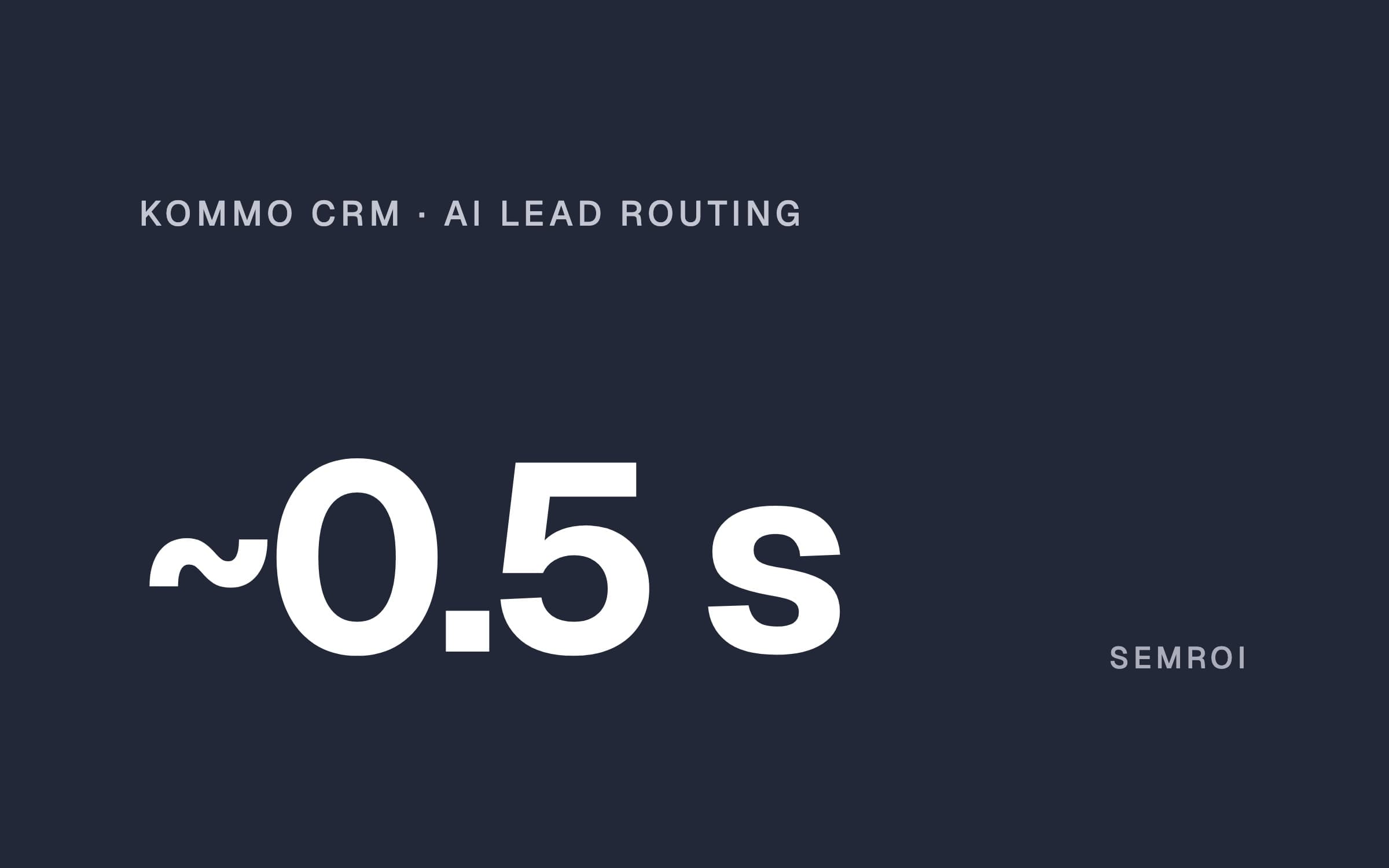
- webhook reply; Kommo's limit is 2 s
- ~0.5 s
- daily lead report, every morning
- 7:00
Lead routing by shift, run by chat
When a new lead opens in Kommo, a webhook tells the routing system. It answers Kommo first, works out who is on shift that minute, applies any exception and puts the lead in that rep's pipeline at the first-contact stage. The rule was generated from the sales manager's four-week rota and matched the 224-day plan in 1,124 checks before it went live. There are five exception types: a time window to the minute, a full day, day shift only, a handover from one rep to another, and an interim rota when the team shrinks. The manager writes “A is off tomorrow”; the agent picks the type, adds it, deploys it, checks it live and reports back. When the team went from four reps to three, no lead went to the rep who left. Full story: Kommo CRM lead routing case study.
Sales reporting from Kommo data
The built-in reports counted the clinic's data as it was: records imported from the previous CRM looked like new leads, the sales bot's bulk messages looked like rep work, and calls written as notes were not counted as calls. With imports set aside, one rep's reply time that looked close to 4 hours was under 30 minutes. Now a daily lead report arrives at 7:00 every morning, rep scorecards come as PDFs every Monday and on the 1st of the month, and any other cut is one sentence to the agent. The reports only read; they never change a lead in Kommo. Full story: AI sales reporting case study.
5 lessons you can apply to your own Kommo account
1. Answer the webhook first, then do the work
Kommo's developer docs are clear: Kommo expects a webhook response within 2 seconds, and a reply that is late or not a 2xx code counts as undelivered. It then retries 5 minutes later and again 15 minutes after that, with further retries for 5xx errors, and it may disable a webhook after more than 100 invalid responses in two hours. Webhooks sent from a Digital Pipeline stage follow their own rule: up to 4 retries within an hour. At the clinic the old handler replied in 1.5 to 3 seconds, so late retries pulled leads that were already handled back to the first stage, sometimes to another rep. The fix: reply in about half a second, do the work in the background, and before touching a lead check whether it has moved on. If it has, log the retry and leave the lead alone. If you build this in a no-code tool, check its webhook response mode first; our n8n guide shows where.
2. One patient, one rep: route by time, not in turn
Salesbot's Round Robin step hands things out in order. That sounds fair, but a patient who fills in a form and writes on WhatsApp a few minutes later becomes two leads, and in turn means two reps. At the clinic, the two reps who share the day shift take leads hour by hour, so both contacts fall in the same hour and reach the same person. The owner of the odd hours swaps every 28 days, so the busy hours do not stay with one rep. Kommo's duplicate check by phone number is switched on as well.
3. Keep the rota as a rule, exceptions as records
A shift plan in someone's spreadsheet drifts away from what the CRM does. Turn the rota into a rule that answers one question for any minute: who is responsible now? Then store every change (leave, sickness, a handover, a time window, an interim rota) as a one-line dated record with a reason. Before going live, compare the rule with the old spreadsheet day by day; the team trusts the system once it gives the same answer. When someone leaves, give the interim rota no end date, so a forgotten date can never send a lead to a person who is gone.
4. Clean the data before you trust any report
Imports from an old CRM, bot messages, calls logged as notes and stage names spelled differently in each pipeline build up in every Kommo account. Separate them before you build a report or ask an AI tool to summarise performance; otherwise the team praises or questions the wrong person. Read reply time by the median and a few buckets, from under 5 minutes to over 24 hours, not by the average. The full checklist for CRM reporting is in What is CRM?.
5. Give the manager a chat, not another dashboard
The sales manager at the clinic learned no new screen. Because the rules live as data and every change is logged, “send every lead that comes in between 1:35 pm and 6:00 pm today to one rep” is a safe one-line change. The agent applies it, deploys it, checks it live and reports back. To see how such an agent is put together, read how to build an AI agent and our AI agent examples. To give a manager that chat in Claude, see how to connect Claude to MCP servers.
What is Kommo CRM?
Kommo is a cloud sales CRM built around messaging. Conversations from WhatsApp, Instagram, Facebook, Telegram, TikTok, email and live chat arrive in one inbox and become leads in a sales pipeline. It adds Salesbot for no-code automation, Kommo AI features and agents, and a REST API with webhooks.
Is Kommo the same as amoCRM?
Yes. amoCRM announced on 11 October 2022 that it had become Kommo. The product carried on under the new name.
How much does Kommo CRM cost?
As of November 2026: Base $25, Advanced $35 and Pro $45 per user per month; Enterprise is quoted on request. Kommo bills in USD and the minimum subscription is six months, so Base costs $150 per user up front.
Is Kommo free?
There is no free plan. The 14-day trial gives full access with a 10 GB storage limit and needs no credit card. On a paid account you can add free users who can only view and chat in the client profiles shared with them.
How do you automate lead distribution in Kommo?
For simple cases, Salesbot can change the responsible user or cycle through reps with its Round Robin step. For shifts, leave and other exceptions, a webhook on “lead added” can call an outside rule that works out who is on shift that minute and assigns the lead. That needs Advanced or higher, because webhooks via the API start there.
Why does Kommo send the same webhook again?
Kommo expects a reply within 2 seconds. If the reply is late or not a success code, it retries 5 minutes later and then 15 minutes after that. Reply first, do the work in the background, and check whether the lead has already moved on before changing it.
Sources
- Kommo: Pricing (plans, prices, billing, limits, AI credits)
- Kommo developers: Webhooks (2-second response, retries, plans)
- Kommo developers: Webhooks in Digital Pipeline
- Kommo support: Salesbot overview (Round Robin, change responsible user)
- Kommo blog: amoCRM has evolved into Kommo
- Pipedrive, HubSpot free CRM and respond.io (product descriptions)
- Kommo
- CRM
- Lead routing
- AI agent