
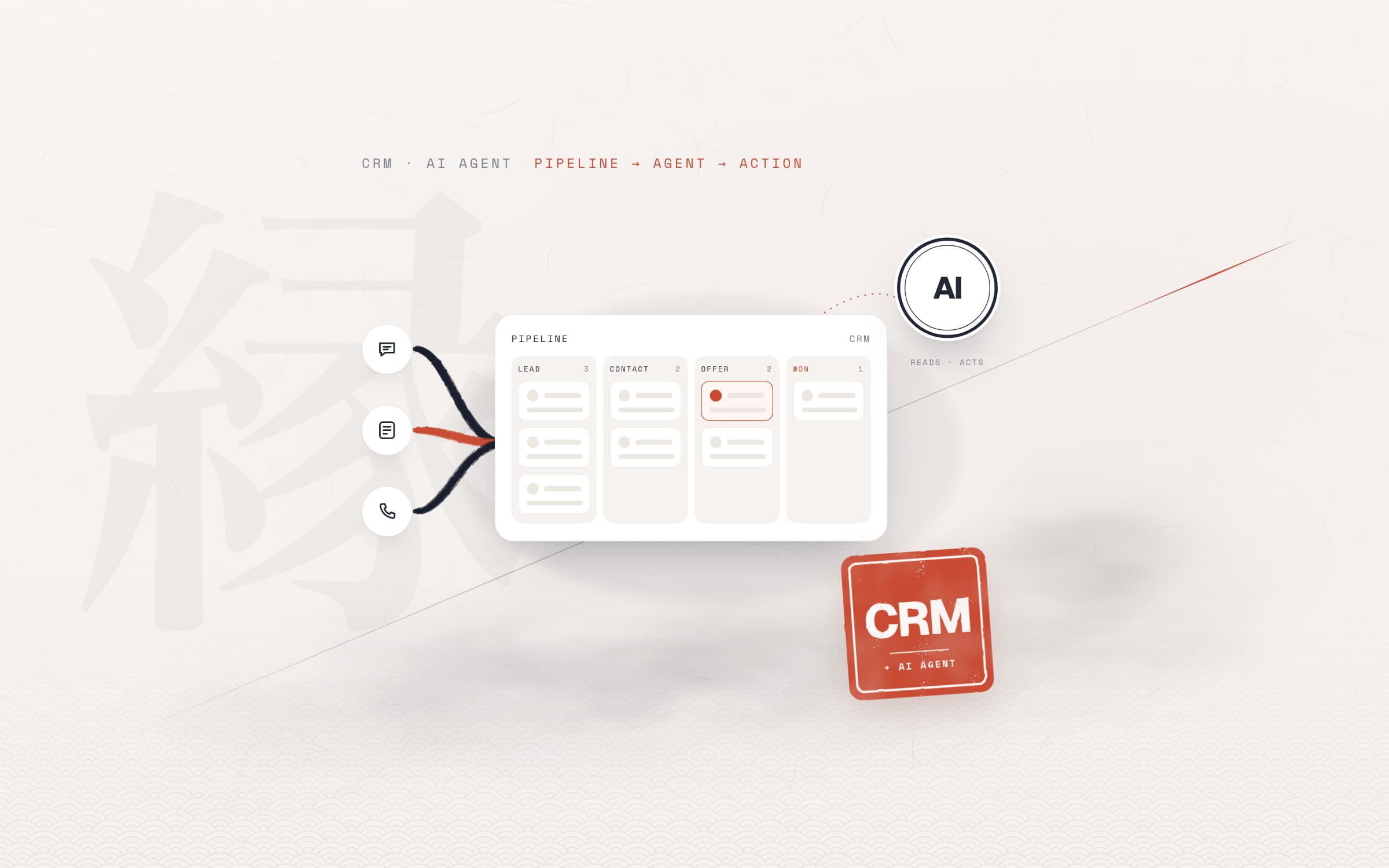
Short answer. What is CRM? CRM (customer relationship management) is the software and the way of working that keeps every contact a business has with its leads and customers in one record, and tracks each sale stage by stage. For a sales team, good CRM software shows where a lead came from, who it went to, which stage it is waiting in and how fast each rep replied. Below we explain CRM in plain words, give 8 criteria for choosing CRM software, show 5 places where built-in reports mislead, and show what changes when you add an AI agent on top of a CRM, using our work with a health tourism clinic in Türkiye.
What is CRM? The CRM meaning in plain words
CRM stands for customer relationship management. The term covers three things at once: an orderly approach to managing customer relationships, the software that makes it possible, and the habits of the team that uses that software. In everyday use, "CRM" usually means the software, and that is how we use it in this article.
What is a CRM system, then? A good answer: a setup where every potential customer (lead) has a card, every message, call, note and quote sits on that card, and the card moves from stage to stage along a sales pipeline. The difference from a spreadsheet is that the record opens by itself and everyone sees the same record. A patient who writes on WhatsApp, a lead who fills in an ad form or someone who asks for a quote on your website appears in the CRM as a card, without anyone typing it in.
CRM vs ERP: what is the difference?
ERP runs the inside of a business: stock, production, accounting, purchasing. CRM runs the relationship with the customer: lead, conversation, quote, sale. Until a sale closes, every contact lives in the CRM; the invoice and the stock run in the ERP. Many ERPs come with a CRM module. If your sales team spends most of its day messaging, a separate CRM that connects your channels well usually fits better.
What does CRM software do?
In a sales team's day, CRM software does five jobs:
- Collects leads in one place. WhatsApp (or whichever messaging app your customers use), Instagram, web forms, ad forms and phone calls land in the same list. That is what a WhatsApp CRM setup means: conversations live on the customer's card, not on the reps' phones.
- Routes each lead to the right person. In turn, by a rule or by shift.
- Splits the sale into stages. Each stage tells you what the next step is.
- Reminds you to follow up. Tasks, call-backs, follow-up messages.
- Reports. How many leads came in, who got them, who replied how fast, and at which stage sales are lost.
What a sales funnel looks like in a CRM
A sales funnel is the sequence of stages a lead passes through from first contact to sale; in a CRM it usually appears as columns from left to right. At the health tourism clinic we work with, the funnel looks roughly like this: first contact, photos requested, photos received, treatment plan sent, approved, flight ticket sent, patient arrived at the clinic. Each stage name describes an action, so the answer to "what is the next job on this lead?" can be read from where the card sits.
A funnel earns its value when every stage means the same thing to everyone on the team. If the same stage is spelled differently in each rep's pipeline, reports cannot put the pipelines side by side. We come back to this below, in the section on reports.
How to choose a CRM: 8 criteria
There is no shortage of CRM tools, and "best CRM software" lists mostly count features. For a sales team, a better question is: where does our team spend its day, and which questions does our manager need answered? Test the eight criteria below in a demo, with your own data.
- #: 1Criterion: ChannelsWhy it matters: If leads come from WhatsApp, Instagram, forms and the phone, all of them should land on the same card.How to test it in a demo: Send a test message from your own number; check whether a card opens and how long it takes.
- #: 2Criterion: Pipelines and stagesWhy it matters: A team can have several pipelines and different processes.How to test it in a demo: Build your own pipeline and funnel; check that you can keep stage names identical across pipelines.
- #: 3Criterion: Lead distributionWhy it matters: Round-robin may not be enough: shifts, leave, time windows.How to test it in a demo: Ask how many steps it takes to set up "someone is off tomorrow".
- #: 4Criterion: API and webhooksWhy it matters: To connect automation and an AI agent, you need to read and write the data.How to test it in a demo: Can leads, stages, messages and notes be read? What is the rate limit?
- #: 5Criterion: Access to raw dataWhy it matters: When built-in reports fall short, you should be able to build your own.How to test it in a demo: Check whether message and call logs can be exported.
- #: 6Criterion: Importing old dataWhy it matters: On migration, old records move over, but they must not distort reports.How to test it in a demo: Ask whether imported records can be flagged and kept apart.
- #: 7Criterion: Language and data protectionWhy it matters: Your team must understand the interface; you must know where customer data is stored and which law applies to it.How to test it in a demo: Ask where data is hosted and for the data processing agreement (GDPR Art. 28, same rule in the UK GDPR). Data leaving the EU/EEA needs a transfer basis under GDPR Chapter V. Elsewhere, check local rules, e.g. the CCPA in California.
- #: 8Criterion: Cost per userWhy it matters: Price usually grows with the number of reps.How to test it in a demo: Calculate with the team size you expect a year from now.
| # | Criterion | Why it matters | How to test it in a demo |
|---|---|---|---|
| 1 | Channels | If leads come from WhatsApp, Instagram, forms and the phone, all of them should land on the same card. | Send a test message from your own number; check whether a card opens and how long it takes. |
| 2 | Pipelines and stages | A team can have several pipelines and different processes. | Build your own pipeline and funnel; check that you can keep stage names identical across pipelines. |
| 3 | Lead distribution | Round-robin may not be enough: shifts, leave, time windows. | Ask how many steps it takes to set up "someone is off tomorrow". |
| 4 | API and webhooks | To connect automation and an AI agent, you need to read and write the data. | Can leads, stages, messages and notes be read? What is the rate limit? |
| 5 | Access to raw data | When built-in reports fall short, you should be able to build your own. | Check whether message and call logs can be exported. |
| 6 | Importing old data | On migration, old records move over, but they must not distort reports. | Ask whether imported records can be flagged and kept apart. |
| 7 | Language and data protection | Your team must understand the interface; you must know where customer data is stored and which law applies to it. | Ask where data is hosted and for the data processing agreement (GDPR Art. 28, same rule in the UK GDPR). Data leaving the EU/EEA needs a transfer basis under GDPR Chapter V. Elsewhere, check local rules, e.g. the CCPA in California. |
| 8 | Cost per user | Price usually grows with the number of reps. | Calculate with the team size you expect a year from now. |
These criteria do not favour one type. Messaging-first CRMs (WhatsApp and social channels at the centre), broad sales and marketing suites, and the CRM modules of ERPs suit different teams. The clinic we work with uses Kommo CRM; most patients write by message, so a messaging-first CRM fits them. The right choice for you depends on your team's channel and on how the first four criteria do in the demo.
In a ready-made demo account everything looks tidy. Have part of last month's leads imported, ask for one rep's week as a report, and compare the result with the numbers you keep yourself.
CRM reporting: where built-in reports mislead
Built-in CRM reports count the data as it is. The problem is usually not the software but the raw data inside it. While building the clinic's sales reports we ran into five misleading sources, and they pile up in almost every CRM:
- Bulk imports. Records moved over from the previous CRM count as new leads; they distort lead counts and response times.
- Bot messages. A sales bot's bulk messages look like a rep's work; contact and reply numbers swell.
- Calls logged as notes. If a rep logs a call as a free-text note, the built-in report does not count it as a call; effort looks smaller than it is.
- Stage names spelled differently. If the same stage is spelled differently in each pipeline (one typo is enough), the pipelines cannot be compared.
- Automatic messages taken for customer replies. The pre-filled message of the WhatsApp button on your website is logged as if the customer wrote it; the "replied" rate rises above reality.
In the clinic's data, one rep's response time looked close to 4 hours in raw form. Once the bulk-imported records were separated, the same rep's real response time was under half an hour. The raw report was showing one of the team's fast reps as slow.
Then there is the question of the measure. Reading response time as an average misleads: a few very late replies pull the average up by hours. The median shows the typical reply, and a distribution split into buckets (under 5 minutes, 30 minutes, 1 hour, up to over 24 hours) shows where slow replies pile up. Sales should not count the same lead twice either: if each lead is written to the day it arrived, total sales equal the number of leads sold, exactly.
A rep scorecard built on uncleaned data leads the team to praise the wrong person or question the wrong person. Separate imports, bot messages and automatic messages first.
AI CRM: what does an AI agent change?
Many CRM tools now come with AI features: drafting messages, summarising conversations, scoring leads. They are useful, but they stay inside the CRM and on one screen. An AI agent is something else: software that uses a language model to decide its next step and carries that step out by calling tools. It connects to the CRM through its API; it reads the data, decides, writes when needed and checks the result. We explain the difference with a real example in agentic AI vs AI agents.
In a sales team, the practical meaning is this: the manager does not learn a new screen, they write what they want in a plain sentence. We build agentic processes for you and do not tie them to a single AI tool; the same setup can run in different environments such as Claude Code, Codex, Cursor, Gemini CLI, GitHub Copilot or ChatGPT. At the clinic we used the agent for two jobs.
Lead distribution by chat
The clinic's sales team handles leads in shifts. The shift plan lived in the sales manager's spreadsheet, but life did not fit the spreadsheet: someone goes on leave, someone falls ill, someone leaves. Now, when a new lead opens in Kommo CRM, a rule works out who is on shift that minute and drops the lead into that rep's pipeline, at the first-contact stage. The rule was generated from the sales manager's four-week table; before going live it matched the 224-day plan exactly in 1,124 checks. Two reps who share the day shift get leads hour by hour rather than in turn; a patient who fills in a form and writes on WhatsApp minutes later lands with the same person.
Exceptions are a conversation:
- The sales manager writes: "A is off tomorrow, send their leads to B."
- The agent picks the right one of five exception types: a time window to the minute, a full day, day shift only, a handover of one person's leads to another, or an interim rota when the team shrinks.
- It adds the rule as a one-line record, with the date and the reason.
- It deploys the change and checks that distribution works live.
- It reports back: "Tomorrow A's leads go to B; all other hours stay the same."
All 13 routing changes in about three months were made this way. As the team went from four reps to three, not a single lead was routed to the rep who left. Details in our Kommo CRM lead routing case study.
Scheduled reports and one-sentence reports
The second job is reporting. The agent works on top of a cleaning layer that separates the five misleading sources above, and it only reads CRM data. Every morning at 07:00 a daily lead report arrives by email, and every Monday and on the 1st of each month each rep gets a separate scorecard as a PDF. The scorecard has seven sections: performance summary, sales success rate, response time, time between stages, rep activity, source analysis and daily lead distribution.
Any question outside the schedule is one sentence: "Can you pull A's October performance with the most detailed template?" The agent turns the sentence into a report type, a rep and a period, reads only that pipeline, cleans the data, builds the PDF and checks the numbers. Frequently requested reports are remembered by name. Details in our AI sales reporting case study.
- routing changes in about three months, all by chat
- 13
- checks: the rule matched the 224-day shift plan exactly
- 1,124
- real response time behind 4 hours in the raw data
- <30 min
- daily report, every morning, prepared by no one
- 07:00
The agent's limits
In a setup that works, people decide and the agent executes. Reports change no record in the CRM. On the routing side the agent only changes rules; every change is stored as a dated record with a reason, and nothing is called "done" until it is verified live. What the agent knows is written down too: which sentence produces which report and why each rule exists sit in a runbook. One standard way to open a CRM to an agent is an MCP server; we explain how it works in what is an MCP server.
5 steps before you add an AI agent to your CRM
- Align your stages. The same stage names in every pipeline; each one an action.
- Clean the data. Flag imports, bot messages and automatic messages.
- Write rules as data. Shifts, handovers and exceptions live as one-line records, not inside the code.
- Start with reading. Let the first agent only produce reports; write access comes later, and narrow.
- Keep a runbook. Every decision is written down with its date and reason; the agent and the team look at the same source.
You will find the steps from scoping to monitoring in how to build an AI agent, and working examples from other industries in AI agent examples.
Frequently asked questions
What is CRM and what does it do?
CRM stands for customer relationship management: the software and way of working that keeps every contact a business has with its leads and customers in one record. For a sales team it collects leads from every channel, routes them to the right person, splits the sale into stages, reminds you to follow up and reports who replied how fast.
What is the difference between CRM and ERP?
ERP runs the inside of a business: stock, production, accounting, purchasing. CRM runs the relationship with the customer: lead, conversation, quote, sale. Until a sale closes, every contact lives in the CRM; the invoice and the stock run in the ERP. Many ERPs come with a CRM module, but if your team spends its day messaging, a separate CRM that connects your channels well usually fits better.
How do you choose a CRM for a sales team?
Start from your team's channel, not from a list of brands. If leads come from WhatsApp and social channels, a messaging-first CRM fits; for long enterprise sales, a broad sales suite; for a business tightly tied to stock and invoicing, an ERP's CRM module. In the demo, test with your own data: channel connections, stage flexibility, routing rules, API access and whether imported records can be kept apart.
Why can built-in CRM reports be misleading?
Built-in reports count the data as it is. Records bulk-imported from the previous system look like new leads, bot messages count as a rep's work, calls logged as notes are not counted, and stage names spelled differently make pipelines impossible to compare. At a clinic we work with, a response time that looked like 4 hours in raw data was under half an hour once the imports were separated.
How does an AI agent connect to a CRM?
Through the CRM's API and webhooks. A webhook tells the agent's system about a new lead or a stage change; the agent reads the data through the API and writes when needed. The connection can also be opened through an MCP server. The safe start is to give the agent read-only access first; write access stays narrow, and every change is dated, explained and verified live.
What should a CRM for health and medical tourism handle?
In health tourism, leads arrive from different countries, day and night, and mostly by message. So three things matter: every channel lands on the same card, the lead goes to the rep on shift at that hour, and a patient who writes on two channels stays with one rep. The funnel also needs sector-specific stages such as photos, treatment plan and travel.
- CRM
- What is CRM
- CRM software
- AI agent
- Sales reporting