Skip to content
SEMROI
Case study · Running a store with AI

Shopify MCP server: a live B2B store, safely in the hands of AI

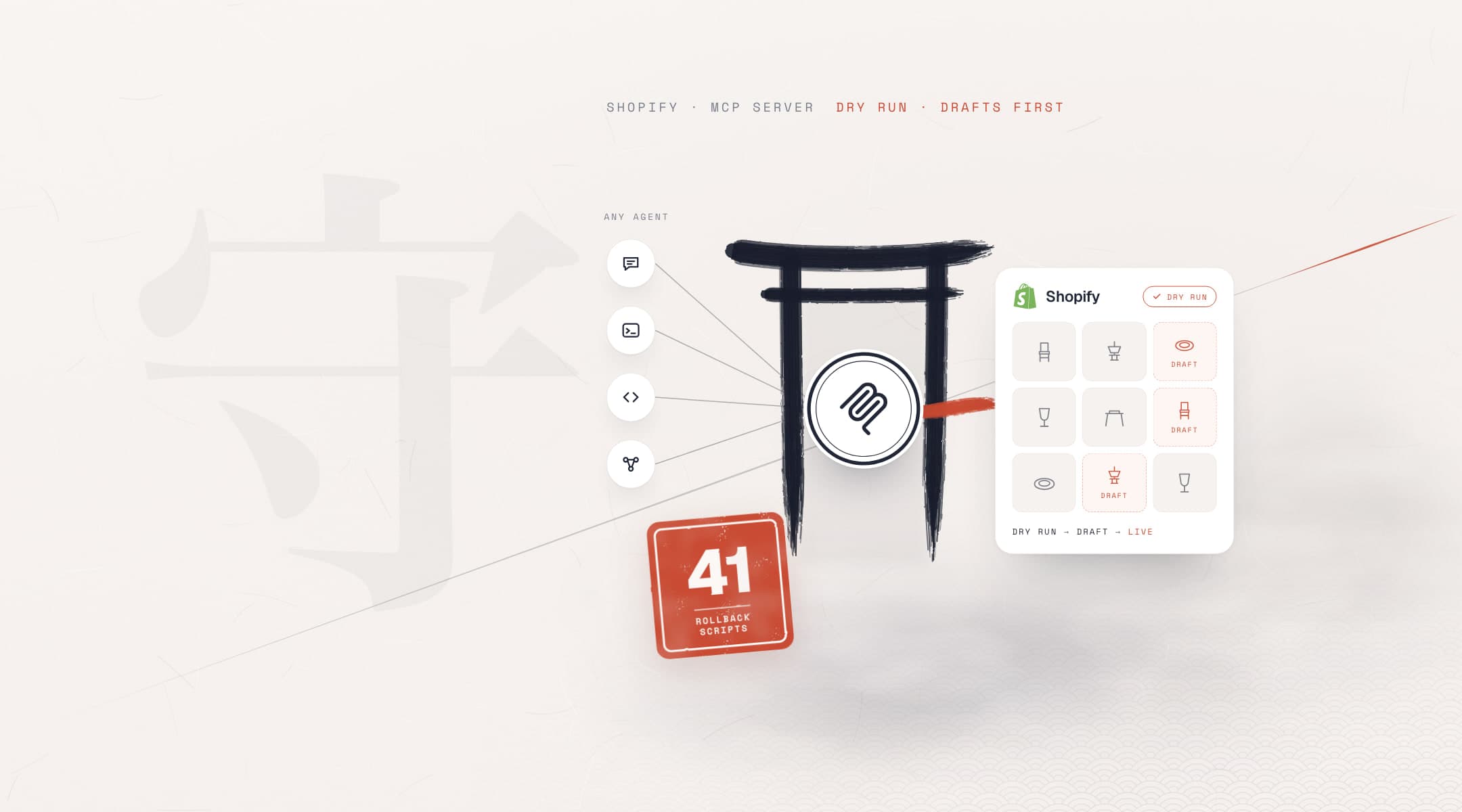
A Shopify MCP server is the tool layer that lets an AI assistant do work in your store; the real value is in the rules on those tools. For Horeca Papatya's live B2B store we built a custom MCP server with 10 tools: bulk jobs run as a dry run first, new products start as drafts, deletes need approval. A plain sentence is enough. It works with any MCP-capable agent harness.

Client
Horeca Papatya
Sector
Hotel and restaurant supply · B2B and retail
Market
Romania
Timeline
Apr – Nov 2026
Our roles
Shopify MCP server development, safety rules, agentic AI workflows and store operations
  • MCP server
  • Shopify Admin API
  • MCP-capable agents
  • Dry run and drafts
  • Rollback scripts
  • AI agents
rollback scripts: a large batch reverts with one command
41
tools in the MCP server; bulk ones run a dry run first
10
products: the default cap for a bulk job; more is refused
250
state files: an interrupted job resumes where it stopped
57
automated tests that check the code the agent writes
600+

Source: project code repository, 16 Apr – 9 Nov 2026. Scripts, state files and tests counted on 10 Nov 2026; product cap from the server code.

The challenge

Why does a live store need its own Shopify MCP server?

Horeca Papatya supplies hotels, restaurants and cafés in Romania from a single Shopify store: priced retail products and unpriced, quote-only B2B products in one place. Small jobs pile up in the store every day. We wanted an AI assistant to handle them by chat, without putting the live store, the storefront customers see, at risk.

What we set out to do
  • Ask for store jobs in a plain sentence and get them done10 tools, one chat
  • See a bulk change before it goes liveDefault: dry run
  • Stop new products going live without approvalDefault: draft
  • Make large jobs reversible with one command41 rollback scripts
  • Every job in the admin, product by product

    Removing a product series, fixing tags, finding low stock: each meant clicking through the Shopify admin one item at a time. Accuracy depended on whoever did the work.

  • A model that guesses

    When a language model doesn't know a Shopify category or a product's name, it makes up a plausible answer. On a live store, plausible isn't good enough.

  • Changes that are hard to undo

    A wrong bulk publish or delete shows up for customers at once. Every bulk job needed a preview first, and a way back ready before it ran.

  • Off-the-shelf tools weren't built to manage

    When we started, Shopify's own AI tools were aimed at developers and shoppers. We needed a layer that changes the store, with rules we set ourselves.

Architecture

The rules live in the server, not the assistant

The agent harness can change. Dry run, drafts and delete approval sit in the server's code, so every harness works by the same rules.

Diagram: products, inventory and sales channels connect to a custom Shopify Admin MCP server with 10 tools. Three rules: dry run first, drafts first, delete only with approval. Any MCP-capable harness can connect: Claude Code, Codex, Cursor, Gemini CLI, GitHub Copilot, Windsurf, ChatGPT and Claude.

Product names show compatibility only. Some harnesses need the server to be reachable from the internet.

From chat to store

One sentence in, a preview first

The store manager writes without knowing code or the admin. The assistant picks the right tool, shows what will change, applies it on approval and reports back.

The interface is a chat: no code, no admin panel. The server sets the rules.

Large jobsCatalog builds of hundreds of products ran under the same rules, through separate scripts the agent wrote. That story has its own case study.Catalog case study
Example: set a series to draft
Agent harness · custom Shopify MCP
Illustrative flow
  1. 01
    The store manager types the requestrequest
    chat.request · series-x → DRAFT
  2. 02
    The assistant finds the matching productsread
    search_products · query: tag:series-x
  3. 03
    The change is listed firstpreview
    bulk_update_products · setStatus: DRAFT · dryRun: true
  4. 04
    The list is checked and approvedapproved
    confirm · apply
  5. 05
    The change is appliedapplied
    bulk_update_products · dryRun: false
  6. 06
    The result is read from live and reportedverified
    search_products · query: tag:series-x status:active

An illustrative flow; tool names and defaults match the server.

What we did

How does an AI agent work safely on a live store?

The server and its rules came first. Then everyday store jobs moved to chat. For large jobs that don't fit in a chat, the same agent wrote scripts that follow the same rules. Every step left a trace in the project repository.

WorkstreamsApr – Nov 2026

Figures from the project code repository, counted on 10 November 2026.

  1. MCP server

    Ten tools on the Shopify Admin GraphQL API

    • An MCP server in TypeScript with 10 tools: search, get, create, update and delete products; update inventory, publish, filtered bulk update, low-stock report and import from CSV.
    • Every tool has a strict input schema. The assistant can only send fields the server accepts; a field it makes up is rejected before it reaches Shopify.

    OutcomeStore jobs are asked for in a plain sentence and run as checked API calls.

  2. Safety rules

    Defaults that make mistakes cheap

    • Bulk update and CSV import run as a dry run by default: first a list of how many products change and how. The default cap is 250 products; if more match, the job is refused.
    • New products start as drafts; publishing is a separate decision. Deleting needs explicit confirmation. The API version is pinned; categories come from an approved taxonomy file, not model memory.

    OutcomeBulk changes are previewed first; publishing and deleting wait for a person to approve.

  3. Operations by chat

    Store jobs in one sentence

    • Requests are written in plain language: "show items with stock under 5", "move this product to draft". The assistant picks the right tool, reads the result and sums it up.
    • The first migration batch (6 products, 23 variants) was loaded from CSV as drafts with the server's import tool. Before launch, the assistant checked one by one that 22 renamed products were live.

    OutcomeOne sentence instead of clicking product by product in the admin; results are read back from the live store.

  4. Large jobs

    Scripts under the same rules for jobs too big for chat

    • For jobs like catalog builds of hundreds of products, the agent wrote typed scripts on the same Shopify connection as the server: a trial run first, apply after approval, then verify against live.
    • Large jobs keep a state file, so an interrupted job resumes where it stopped. A backup comes before every change and a rollback script is ready: 41 rollback scripts, 57 state files, 46 theme backups.

    OutcomeThe catalog builds are told in a separate case study; the same rules apply there too.

  5. Proof

    Every step traceable in the project repository

    • Between April and November 2026 the project took 261 changes, each recorded in the project repository. Decisions and review, code writing and simple file work were split across different model tiers.
    • The code the agent writes is checked by 600+ automated tests in 27 test files. Hard-to-undo steps such as publishing need a separate human approval in the agent's job instructions.

    OutcomeWhat changed, and how to undo it, is on record.

  6. HandoverOngoing

    SEMROI runs it or hands it over to your team

    • The setup is documented so a new team member can connect the server in four steps. There's also a non-technical usage guide in Turkish.
    • Today SEMROI runs the store jobs. The same setup can be handed to a team that wants it, with their own assistant; the rules travel with the server.

    OutcomeThe interface is a chat: no code, no admin panel; whoever runs the store can use it.

WorkstreamsApr – Nov 2026
01MCP server

Ten tools on the Shopify Admin GraphQL API

  • An MCP server in TypeScript with 10 tools: search, get, create, update and delete products; update inventory, publish, filtered bulk update, low-stock report and import from CSV.
  • Every tool has a strict input schema. The assistant can only send fields the server accepts; a field it makes up is rejected before it reaches Shopify.

OutcomeStore jobs are asked for in a plain sentence and run as checked API calls.

02Safety rules

Defaults that make mistakes cheap

  • Bulk update and CSV import run as a dry run by default: first a list of how many products change and how. The default cap is 250 products; if more match, the job is refused.
  • New products start as drafts; publishing is a separate decision. Deleting needs explicit confirmation. The API version is pinned; categories come from an approved taxonomy file, not model memory.

OutcomeBulk changes are previewed first; publishing and deleting wait for a person to approve.

03Operations by chat

Store jobs in one sentence

  • Requests are written in plain language: "show items with stock under 5", "move this product to draft". The assistant picks the right tool, reads the result and sums it up.
  • The first migration batch (6 products, 23 variants) was loaded from CSV as drafts with the server's import tool. Before launch, the assistant checked one by one that 22 renamed products were live.

OutcomeOne sentence instead of clicking product by product in the admin; results are read back from the live store.

04Large jobs

Scripts under the same rules for jobs too big for chat

  • For jobs like catalog builds of hundreds of products, the agent wrote typed scripts on the same Shopify connection as the server: a trial run first, apply after approval, then verify against live.
  • Large jobs keep a state file, so an interrupted job resumes where it stopped. A backup comes before every change and a rollback script is ready: 41 rollback scripts, 57 state files, 46 theme backups.

OutcomeThe catalog builds are told in a separate case study; the same rules apply there too.

05Proof

Every step traceable in the project repository

  • Between April and November 2026 the project took 261 changes, each recorded in the project repository. Decisions and review, code writing and simple file work were split across different model tiers.
  • The code the agent writes is checked by 600+ automated tests in 27 test files. Hard-to-undo steps such as publishing need a separate human approval in the agent's job instructions.

OutcomeWhat changed, and how to undo it, is on record.

06HandoverOngoing

SEMROI runs it or hands it over to your team

  • The setup is documented so a new team member can connect the server in four steps. There's also a non-technical usage guide in Turkish.
  • Today SEMROI runs the store jobs. The same setup can be handed to a team that wants it, with their own assistant; the rules travel with the server.

OutcomeThe interface is a chat: no code, no admin panel; whoever runs the store can use it.

What we learned

  1. Rules belong in the server, not the prompt

    Writing "be careful" in a prompt is lost the moment the agent harness changes. With dry run, drafts and delete approval in the server's code, Claude Code, Codex and Cursor all work by the same rules.

  2. A Shopify AI agent needs safe defaults

    When you use AI for ecommerce, defaults decide most of what a mistake costs. A dry run by default, drafts by default and no delete without approval turn even a bad mistake into a preview screen.

  3. Give the model sources, not memory

    Product categories came from an approved taxonomy file; product names and statuses were read from the live store. Anything the model might guess should come from a source it can read.

  4. Write the rollback before the change

    A batch with its own rollback script reverts with one command. Writing that script first turns a big change from a risk into a routine job.

  5. Give jobs too big for chat to a script

    Single products and small bulk jobs stay in chat. A job of hundreds of products needs a script with a state file, tests and a rollback script. The agent writes that too, and the rules stay the same.

FAQ

Questions about a Shopify MCP server

Basics: what is an MCP server and our Shopify MCP guide. Our service: AI agents for business.

  • What is a Shopify MCP server?

    A Shopify MCP server gives an AI assistant tools it can call in your store through the Model Context Protocol. The server in this project uses the Shopify Admin GraphQL API: it searches, creates and updates products and changes stock and publishing. Bulk jobs run as a dry run first; new products start as drafts.

  • Can I run my Shopify store with ChatGPT, Claude or Gemini?

    Yes, if your agent harness supports MCP. The server isn't tied to one assistant: Claude Code, Codex, Cursor, Gemini CLI, GitHub Copilot, Windsurf, ChatGPT or Claude can connect. Some, like ChatGPT, need the server reachable from the internet; the dry run, draft and approval rules stay the same.

  • What happens if an AI agent makes a mistake on a live store?

    The rules keep it small. A bulk change is listed as a dry run first, a new product starts as a draft and a delete needs explicit approval. In large jobs every batch has a state file and a rollback script; a batch that goes wrong reverts with one command and the store is back as it was.

  • How do you bulk edit Shopify products with an AI agent?

    You state the filter in a plain sentence: a tag, a series or a status. The assistant finds the matching products and shows the change as a dry run first. Once you approve, it applies it and reports the result read from the live store. The default cap is 250 products; if more match, the job is refused.

  • Aren't Shopify's own MCP servers enough?

    It depends on the goal. Shopify's own MCP servers are mostly for developers and shopping. If you want a layer that manages your store, with rules you set, you need a custom server. Our Shopify MCP guide keeps track of what each official server does; take a look before you choose.

  • Can a team that doesn't code use this setup?

    Yes. The interface is a chat: no code, no admin panel. Whoever runs the store writes the request in a plain sentence; the assistant shows the change first and applies it on approval. Setup and maintenance sit with SEMROI. We can run the work for you, or hand it to your team with a guide, to use with your own assistant.

Still editing your store product by product?

Tell us which store jobs take up the most time. We will show you which ones an MCP server can take over by chat and which should stay with human approval.

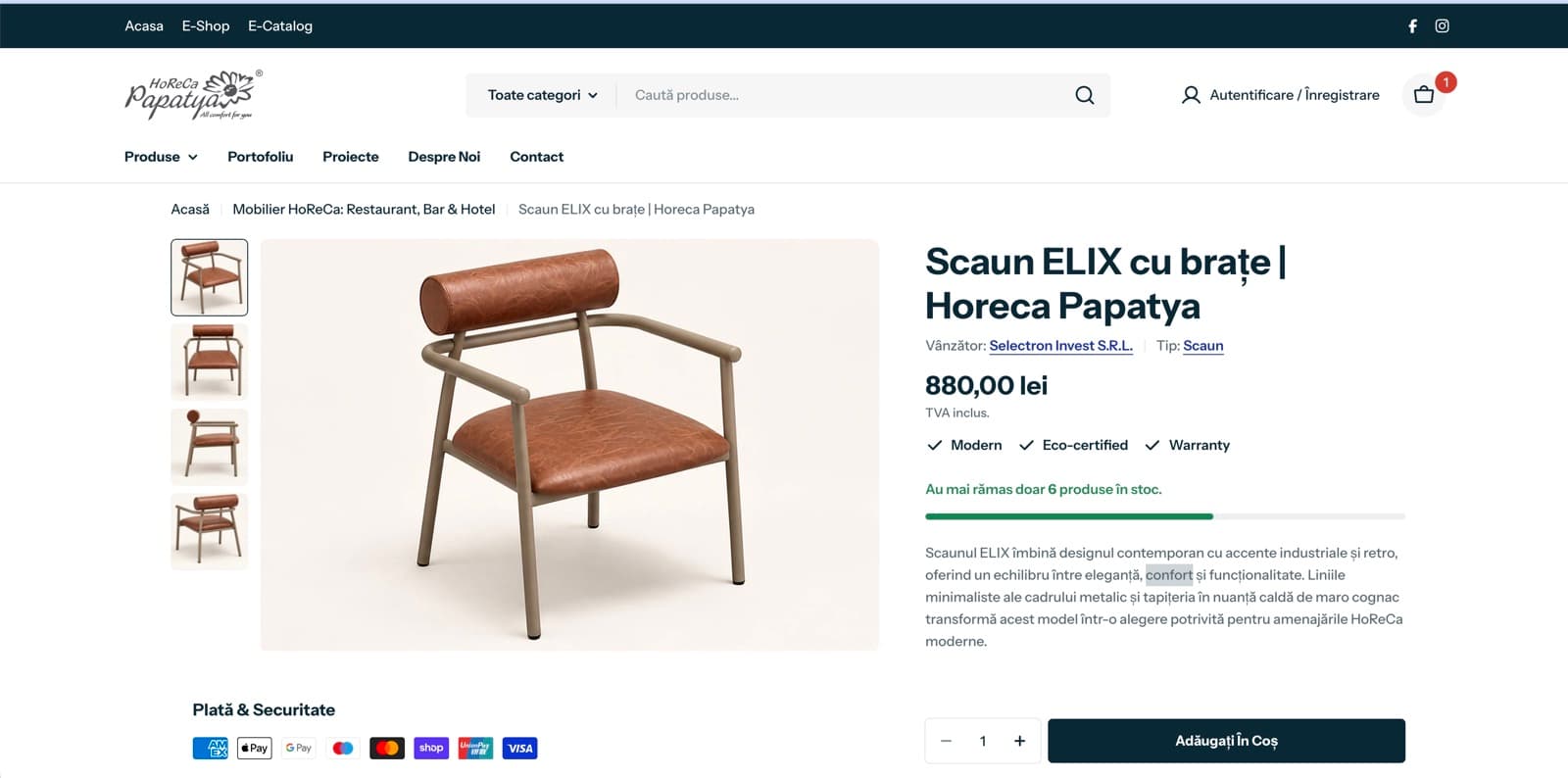
A product page of the new Horeca Papatya Shopify store
Next case study · Hospitality
Two websites merged into one Shopify store