
Short answer. n8n is a workflow automation tool: you connect apps on a visual canvas, and a trigger (a webhook, a schedule, a new form entry) starts a chain of nodes that move and change data. Since its AI nodes arrived, the same canvas also builds AI agents: the AI Agent node takes a chat model, tools and memory, and decides which tool to call. n8n is a good fit for glue between SaaS tools and clear flows a team can maintain. When the rules are strict, the webhook has a hard deadline and every change must be tested and recorded, a custom agent in code is often the safer choice. Below: what n8n is, its plans and prices as of November 2026, the license, how n8n AI agents and MCP work, and the requirements from our own projects that should drive the decision.
What is n8n?
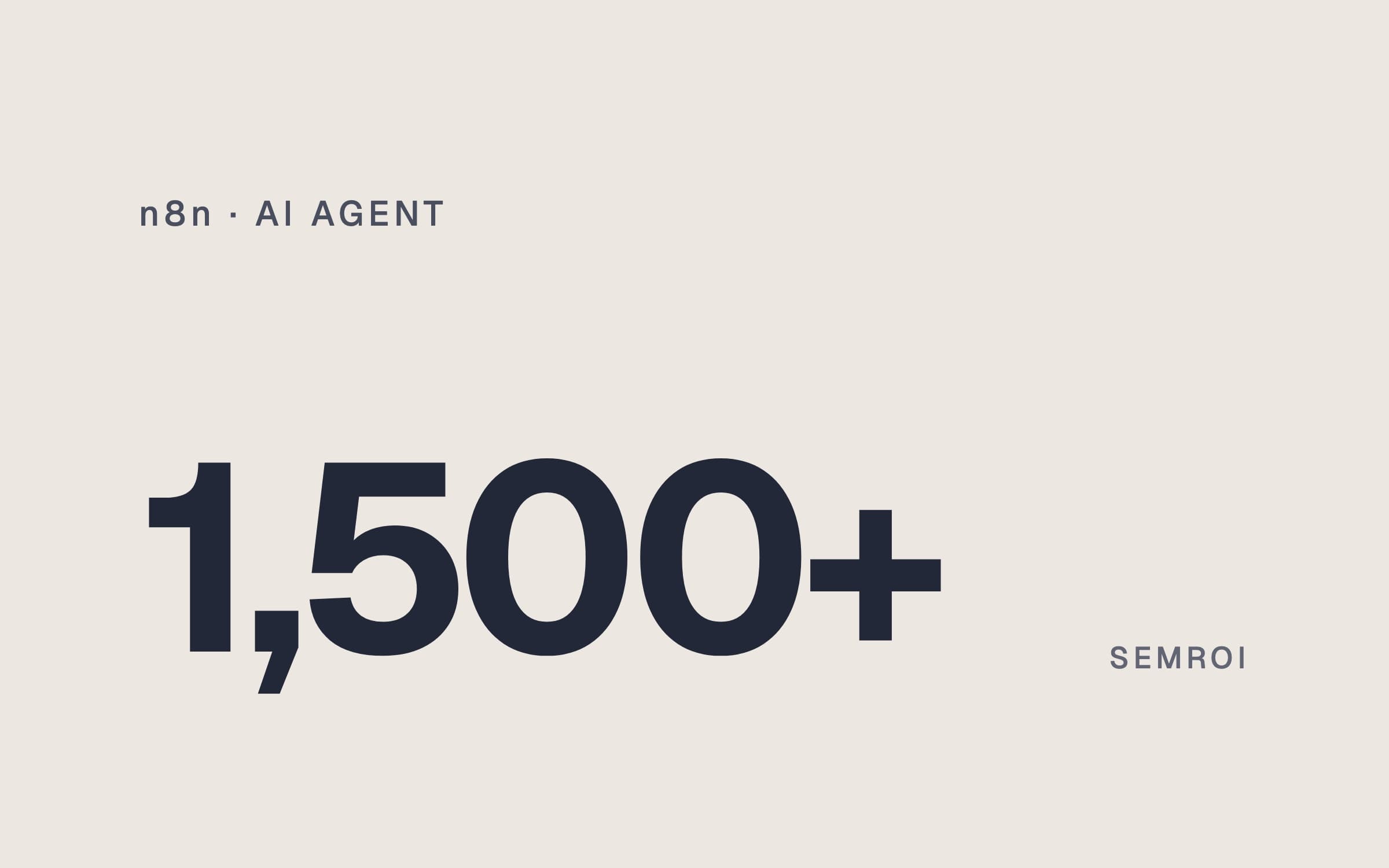
n8n is a platform for workflow automation and AI agents. You build on a visual canvas, add your own JavaScript or Python where you need it, and run it either on n8n Cloud or on your own server. The project's GitHub page describes it as a fair-code platform with 1,500+ integrations: CRMs, spreadsheets, email, chat apps, databases and generic HTTP calls for anything without its own node.
The idea is simple. Something happens (a form is sent, a lead opens in the CRM, it is 7:00 am), and n8n runs a fixed chain of steps in response. A few terms come up all the time:
- Workflow: a set of connected nodes that automate one process. It can branch, merge and loop.
- Node: one step. Some nodes call an app (Slack, Google Sheets, a CRM), others filter, transform or branch data.
- Trigger: the node that starts a production workflow, for example a Webhook, a Schedule or a new row in a sheet.
- Credential: the stored login for an app, so nodes can act on your account.
- Execution: one run of a workflow. This is what n8n bills on, not the number of steps.
n8n Cloud or self-hosted, and what it costs
There are two ways to run n8n. n8n Cloud is hosted by n8n: no installation, n8n handles updates and scaling, and hosted data sits in the EU (Frankfurt). Self-hosted means you install it (Docker is the usual route) and run the server, backups and updates yourself. The free Community edition has almost the full feature set; paid features such as SSO, environments, projects, workflow sharing and Git version control need a license key.
Prices on n8n's pricing page as of November 2026:
- Plan: CommunityWhere it runs: Self-hostedPrice: FreeExecutions / month: No n8n quota; your server is the limit
- Plan: StarterWhere it runs: n8n CloudPrice: €20/mo billed annually, €24 monthlyExecutions / month: 2,500
- Plan: ProWhere it runs: n8n CloudPrice: From €50/mo billed annually, €60 monthlyExecutions / month: 10,000 or 50,000
- Plan: BusinessWhere it runs: Self-hosted only for nowPrice: €667/mo billed annuallyExecutions / month: 40,000
- Plan: EnterpriseWhere it runs: Cloud or self-hostedPrice: Contact salesExecutions / month: Custom
| Plan | Where it runs | Price | Executions / month |
|---|---|---|---|
| Community | Self-hosted | Free | No n8n quota; your server is the limit |
| Starter | n8n Cloud | €20/mo billed annually, €24 monthly | 2,500 |
| Pro | n8n Cloud | From €50/mo billed annually, €60 monthly | 10,000 or 50,000 |
| Business | Self-hosted only for now | €667/mo billed annually | 40,000 |
| Enterprise | Cloud or self-hosted | Contact sales | Custom |
What counts as an execution. One execution is one full run of a workflow, no matter how many steps it has or how much data it moves. Only production runs count: runs started by triggers, schedules or polling. Manual test runs, sub-workflow calls (only the parent counts), error workflows, polls that find nothing and malformed webhook requests do not. For a webhook flow the maths is easy: every inbound request is one execution. A schedule every 5 minutes is about 8,600–8,900 executions a month, which already exceeds Starter. Concurrency matters too: Starter runs 5 executions at the same time, Pro 20 or 50 depending on the tier.
Is n8n open source? The license in plain words
No, and n8n says so itself. The code is public on GitHub, but it is licensed under the Sustainable Use License, which n8n created in 2022 and calls "fair-code". Files with .ee. in their name fall under a separate n8n Enterprise License. Because the license limits how you may use the software, it does not meet the Open Source Initiative definition. In practice it means three things:
- Allowed: using and changing n8n for your own internal business purposes, or for personal and non-commercial use. Building workflows for clients as a consultant is also allowed.
- Not allowed without a deal: offering n8n to your customers so they connect their own accounts and build workflows, or selling it as part of your product.
- Distribution: you may pass it on only free of charge and for non-commercial purposes, and you must keep n8n's license notices.
If your plan is to put n8n inside a product your customers use, read the license FAQ or email license@n8n.io first. That use needs a commercial agreement.
n8n AI agent: how the AI Agent node works
In a normal workflow every step is fixed. An AI agent is different: a language model reads the request and decides which action to take next. n8n's AI nodes are built on LangChain's JavaScript framework, and most LangChain ideas appear as cluster nodes: a root node with sub-nodes attached to it.
The AI Agent node is the root. You attach a chat model (OpenAI, Anthropic, Google, a local Ollama model and others) and at least one tool, and the agent decides which tool to call to finish the task. Since n8n 1.82.0 every AI Agent node works as a Tools Agent; the older agent-type setting is deprecated. If you are new to the concept, our guide on how to build an AI agent explains the loop without any tool in mind.
Tools and memory
Tools are what the agent can do: call another n8n workflow, run custom code, use a built-in app node (send a Slack message, update a sheet) or use an MCP server. n8n's own docs give a useful rule: a built-in tool gives you tighter control, because you fix the operation and let the model fill only the fields you leave open. An MCP server gives the agent more room, at the cost of control.
Memory lets an agent remember earlier messages in a conversation. Simple Memory keeps a short history for the current session; for anything that must survive restarts there are Postgres, Redis and other memory nodes. Only the AI Agent node takes memory; n8n's chain nodes do not.
MCP in n8n: client, server and registry
Model Context Protocol (MCP) is the open standard that lets AI tools talk to other apps; our post on what an MCP server is covers the basics. As of November 2026 n8n supports it in four places: To use an n8n MCP server from Claude, see how to connect Claude to MCP.
- MCP Client Tool node: your n8n agent uses the tools of any external MCP server. It supports bearer, header and OAuth2 auth, and you choose which tools to expose: all, selected, or all except some.
- MCP server registry: in the agent's tools panel you pick a listed server, sign in, and n8n creates the credential for you.
- MCP Server Trigger node: one workflow becomes an MCP server that other AI apps (Claude, Cursor and others) can call. It supports SSE and streamable HTTP, not stdio.
- Instance-level MCP server: an AI tool connects to your whole n8n instance to search, build, edit and run workflows from a chat.
Human approval and the new Agents
For risky tools you can turn on human review: when the agent wants to send a message, change a record or delete data, the workflow pauses and asks a person to approve or deny, through n8n Chat, Slack, Teams, Telegram, Gmail, WhatsApp and other channels. You can apply it to all tools or only selected ones. Tell the agent in its system prompt which tools need approval, so it handles a denial well.
n8n has also added Agents, built in a separate Agent Builder outside workflows, with instructions, tools, skills, a knowledge base, channels, schedules and memory across sessions. As of November 2026 the feature is in Preview, and n8n warns it can make mistakes and change. Do not confuse it with the AI Agent node, which runs inside a workflow.
What our CRM projects taught us about requirements
We build agents in code, and two of our projects show the kind of requirements that made code the right fit. To be clear: we did not build them in n8n first, and this is not a claim that n8n could not do them. It is a list of requirements you should test in any tool.
In shift-based lead routing for Kommo CRM, built for a health tourism clinic in Türkiye, three things decided the design. Kommo resends a webhook 5 and 15 minutes later if it gets no answer within 2 seconds; the earlier setup answered in 1.5–3 seconds, and late retries pulled handled leads back to the first stage. The routing rule had to give the same answer as the sales manager's rota before go-live. And every leave, sick day or exit had to become a dated record with a reason. What Kommo itself offers is in our Kommo CRM guide.
- Webhook reply to Kommo; its retry limit is 2 s
- ~0.5 s
- Checks against a 224-day rota, all exact matches
- 1,124
- Exception types: leave, sickness, handover, exit, time slot
- 5
- Routing changes in about three months, each a dated record
- 13
The fix for retries was a pattern, not a product: answer the webhook first (about 0.5 s), do the work in the background, and check whether the lead has already moved on before touching it. In our AI sales reporting project for a clinic's sales team, the hard part was data: bulk imports from the old CRM made one rep's reply time look close to 4 hours, bot messages looked like rep work, and calls were hidden in notes. Each cleaning rule went into the system's runbook with its date and reason, and the reports only read from the CRM; they never change a lead.
If you want to meet the same requirements in n8n, check these before you commit:
- Response timing. The Webhook node can answer Immediately, When Last Node Finishes or through a Respond to Webhook node. Only the first fits a 2-second limit if the work is slow. Measure the real reply time on your instance under load.
- Retries. Add a step that checks the record's current state before changing it, so a late duplicate only gets logged.
- Volume and concurrency. Every webhook request is one execution, and Starter runs 5 at a time. Count your peak hour, not your average.
- Tests. Decide how you will run hundreds of known cases against a rule before each change. n8n's evaluations run test datasets; metric-based ones are listed from the Pro plan.
- Change records. Workflow history is listed from Pro; Git version control from Business. Check that your plan keeps the history you need, with a reason per change.
n8n AI agent or a custom agent? A decision guide
You do not have to pick one tool for everything. Use this table as a first filter for each flow:
- Question: What kind of work?n8n is usually enough: Glue between SaaS tools: form to CRM to Slack to sheetA custom agent in code fits better: Rules that decide who gets a lead, a patient or money
- Question: How does the flow look?n8n is usually enough: Clear, mostly linear steps with a few branchesA custom agent in code fits better: Many edge cases and exceptions that interact
- Question: How fast must the webhook reply?n8n is usually enough: The sender waits, or answering Immediately is enoughA custom agent in code fits better: Hard deadline at high volume, with safe handling of retries
- Question: How will you test it?n8n is usually enough: Spot checks and a small evaluation setA custom agent in code fits better: Hundreds of cases you must pass before every release
- Question: How are changes recorded?n8n is usually enough: Workflow history or Git on your plan covers itA custom agent in code fits better: Each change needs a dated record, a reason, review and rollback
- Question: Who maintains it?n8n is usually enough: An ops person who is at home on the canvasA custom agent in code fits better: Developers, or an agent that edits and tests code
- Question: Is it part of your product?n8n is usually enough: No, it runs your own businessA custom agent in code fits better: Yes, customers use it: check the license or build your own
| Question | n8n is usually enough | A custom agent in code fits better |
|---|---|---|
| What kind of work? | Glue between SaaS tools: form to CRM to Slack to sheet | Rules that decide who gets a lead, a patient or money |
| How does the flow look? | Clear, mostly linear steps with a few branches | Many edge cases and exceptions that interact |
| How fast must the webhook reply? | The sender waits, or answering Immediately is enough | Hard deadline at high volume, with safe handling of retries |
| How will you test it? | Spot checks and a small evaluation set | Hundreds of cases you must pass before every release |
| How are changes recorded? | Workflow history or Git on your plan covers it | Each change needs a dated record, a reason, review and rollback |
| Who maintains it? | An ops person who is at home on the canvas | Developers, or an agent that edits and tests code |
| Is it part of your product? | No, it runs your own business | Yes, customers use it: check the license or build your own |
When n8n is the right call
- You are moving data between tools that already have n8n nodes, and a missed or late run is an annoyance, not a lost customer.
- Someone on the team will own the workflows, read failed executions and fix them.
- You want to test an AI idea quickly: an agent that drafts replies or sorts emails, with human review on anything it sends.
When to build a custom agent instead
- The rules carry business risk and must be proven against real data before go-live, as our 1,124 rota checks were.
- A sender with a strict timeout calls you at volume, and a slow or doubled run moves real records.
- Changes come every week, and you need each one versioned, explained and easy to roll back. Our agentic AI vs AI agents post shows how an agent can make those changes for you.
You can also mix both. n8n can call your own service over HTTP, and your code can expose tools that an n8n agent uses through MCP. A common split is to keep the simple glue in n8n and move the one flow with strict rules into code.
Frequently asked questions
What is n8n used for?
n8n automates work between apps. A trigger such as a webhook, a schedule or a new form entry starts a workflow of nodes that read, change and send data, for example from a form to a CRM and then to Slack. It can also run AI agents that choose which tool to call.
Is n8n free?
The self-hosted Community edition is free, and you pay only for your server. n8n Cloud is paid: as of November 2026 Starter is €20 a month billed annually for 2,500 executions, and Pro starts at €50 a month billed annually for 10,000.
Is n8n open source?
No. The source code is public, but it uses the Sustainable Use License, which n8n calls fair-code. You may use it free for internal business, personal or non-commercial purposes. Offering it to your customers as part of a product needs a commercial agreement with n8n.
How do you build an AI agent in n8n?
Add an AI Agent node after a trigger, such as a Chat Trigger or a Webhook. Attach a chat model, at least one tool (an app node, another workflow, code or an MCP server) and, for conversations, a memory node. Write a clear system prompt and turn on human review for tools that send or change data.
Does n8n support MCP?
Yes. The MCP Client Tool node lets an n8n agent use an external MCP server, and a registry in the tools panel connects listed servers in one click. The MCP Server Trigger node turns a workflow into an MCP server for other AI apps, and an instance-level MCP server lets AI tools build and run workflows.
Should I use n8n or build a custom AI agent?
Use n8n for glue between SaaS tools and clear flows that someone on your team will maintain. Build in code when rules carry business risk and must be tested against many cases, when a webhook has a hard deadline at volume, or when every change needs a dated, reviewed record.
Sources
- n8n pricing: plans, prices, executions
- n8n docs: Cloud or self-hosted
- n8n docs: how executions count
- n8n docs: Sustainable Use License
- n8n on GitHub: license text
- n8n docs: AI Agent node
- n8n docs: LangChain in n8n
- n8n docs: MCP Client Tool
- n8n docs: MCP Server Trigger
- n8n docs: human-in-the-loop for tools
- n8n docs: Webhook node
- n8n docs: build and manage agents
- n8n
- AI agent
- MCP
- Automation