
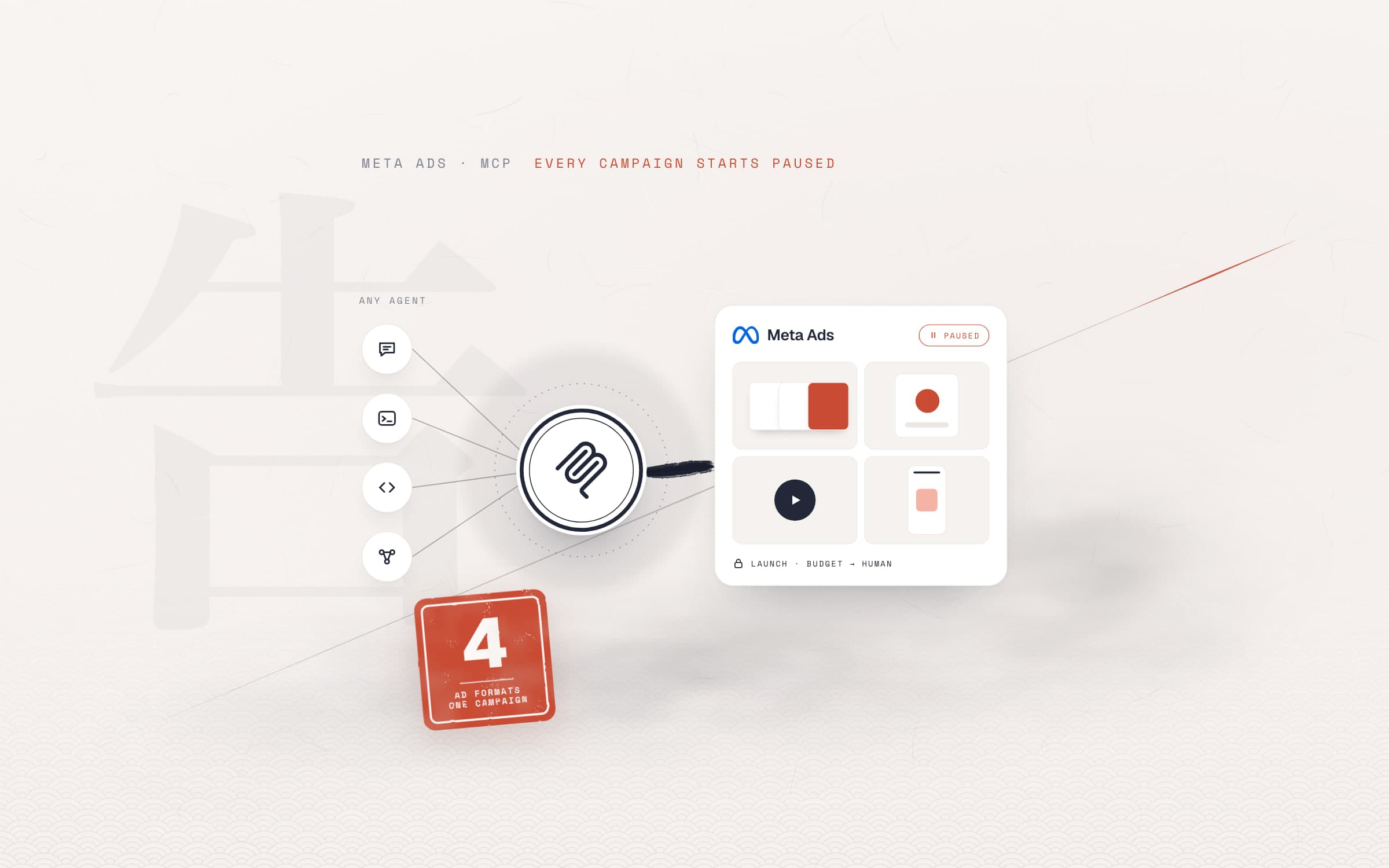
The short answer. Meta Ads MCP is Meta's own hosted, official MCP server (mcp.facebook.com/ads). It connects an AI agent that supports MCP, such as Claude Code, Codex, Cursor, Gemini CLI or ChatGPT, to your ad account: the agent reads performance, builds campaigns, ad sets and ads in a paused state, and updates existing ads. Going live, budgets and any customer data uploaded to the account should stay with a human. Below we cover setup, the safety rules, and how we prepared Horeca Papatya's Black Friday 2026 campaign with agents.
What is Meta Ads MCP?
Meta Ads MCP is a connection between your ad account and your AI tools that Meta builds and runs itself. It uses the Model Context Protocol (MCP) standard, so any agent that speaks MCP can connect to the same server. Meta announced these connections as an open beta in April 2026 under the name "ads AI connectors". Next to the Meta MCP server for ads there is also a command-line tool (Ads CLI).
Three things to know. You sign in with your Facebook account over OAuth; no shared token or developer credentials are needed. Meta charges nothing extra for the connection; your AI tool's subscription and your ad spend apply as usual. The rollout is gradual, so the server may not be switched on for every ad account yet.
If MCP itself is new to you, start with our post What is an MCP server?. There are also third-party servers, often sold as a Facebook Ads MCP; most of them bring several ad platforms together in one place. In our own work we use the official server, because account access goes straight through Meta's permission system and no other company sits in between.
What can an AI agent do with Meta Ads MCP?
Meta's documentation groups the tools into seven areas: reporting, ad creation and management, catalogs, signals and datasets, Help Center search, A/B tests and conversion lift studies, and activity history. In practice the work splits like this:
- Job: Reading performanceWhat the agent does: Pulls campaign, ad set and ad metrics, compares periods, summarisesWho decides: The agent alone
- Job: Market researchWhat the agent does: Searches live ads in the Meta Ad LibraryWho decides: The agent alone
- Job: Building a campaignWhat the agent does: Creates the campaign, ad set, creative and ad paused, generates previewsWho decides: The agent prepares, you review
- Job: ChangesWhat the agent does: Updates fields such as copy, dates, targeting and budgetWho decides: Approval for budget and dates
- Job: Going liveWhat the agent does: Activates a paused object; spending startsWho decides: Always you
- Job: Catalog and signalsWhat the agent does: Checks product sets, feed errors, pixel and dataset healthWho decides: The agent finds, fixes need approval
- Job: AudiencesWhat the agent does: Builds custom audiences, uploads a hashed customer listWho decides: You: a data and consent question
- Job: HistoryWhat the agent does: Reads and summarises the account's change logWho decides: The agent alone
| Job | What the agent does | Who decides |
|---|---|---|
| Reading performance | Pulls campaign, ad set and ad metrics, compares periods, summarises | The agent alone |
| Market research | Searches live ads in the Meta Ad Library | The agent alone |
| Building a campaign | Creates the campaign, ad set, creative and ad paused, generates previews | The agent prepares, you review |
| Changes | Updates fields such as copy, dates, targeting and budget | Approval for budget and dates |
| Going live | Activates a paused object; spending starts | Always you |
| Catalog and signals | Checks product sets, feed errors, pixel and dataset health | The agent finds, fixes need approval |
| Audiences | Builds custom audiences, uploads a hashed customer list | You: a data and consent question |
| History | Reads and summarises the account's change log | The agent alone |
Meta's documentation says it plainly: write tools create objects paused, and your AI client asks for confirmation before anything goes live. The only tool that starts spending is the activation tool. That is a good default, but it is not enough on its own. We add the rules below on top.
What should stay with a human?
The AI agent examples that have published results have one thing in common: they draw a clear line around what the agent may do alone. In an ad account that line runs in front of everything that spends money or cannot be undone:
- Going live. The agent never activates a campaign, ad set or ad by itself. The "turn it on" comes from you.
- Budget and dates. Daily budget, total spend and start time are human decisions. The agent writes a reasoned proposal; you set the number.
- Which account. The MCP sees every ad account your Facebook login can reach; at an agency that means dozens of clients. Give the agent one account name.
- Price and discount claims. Every price in an ad must match the store's current price, and the discount's conditions must be spelled out. A human does the final read.
- Customer data. Uploading a customer list needs the custom audience terms accepted in the account and, under the GDPR in the EU and UK, a legal basis for using that data (elsewhere, check your local rules). A human handles this for the business.
- Deleting. Pause and archive campaigns or audiences instead of deleting them. Irreversible actions should not be within the agent's permissions.
An agent told to "set up the same thing" in the wrong account spends another client's budget. Make it repeat the account name before every write, and put the rule in the agent's instruction file.
Black Friday 2026: how we built the campaign with agents
Horeca Papatya is a Shopify store in Romania that sells textiles to hotels and restaurants. We migrated the store together with an AI agent and run it the same way; we described the setup in our Shopify MCP server case study. The goal for Black Friday 2026 was clear: an automatic cart discount on textiles from 6 to 30 November, Meta ads announcing it, and an email series.
Most of the work was done in the same agent session: store settings, the Meta campaign, the creatives and the emails. The whole setup was ready to go live on 5 November, within one working day. At every step a human made the call.
- Nov 5Analysis and setup
Store data and the Meta Ad Library reviewed; discounts, collection, emails and the Meta campaign set up.
- Nov 5Approval
Campaign, ad set and first ads activated with our approval and sent into Meta's review.
- Nov 6Launch
Discounts started at midnight, ads at 08:00. The ad copy was checked once more the same day.
- Nov 8Refresh
New Reels-ready ads with UTM tags and the code-made video went live; measurement audit done.
- Nov 12Checkpoint
The first seven days of data decide the ad set question. Any new ad set will start paused.
- Nov 30End
Discounts switch off by themselves; on 1 December a prepared rollback list runs.
Store first: tiered discount and a rollback plan
Before any ad, the offer itself had to work. The agent built a smart collection (60 products) that selects the campaign's textile products by rules, and a two-tier, code-free automatic discount based on cart value. The discounts were scheduled with a start and end date, so nobody has to remember to switch anything off when the campaign ends. A pop-up that shows only during the campaign dates and a campaign link in the menu were added to the site.
Every live change followed the same pattern: a dry run first, then the change, then reading it back to verify, with a rollback script ready. We tested the discounts without placing real orders, using Shopify's draft order calculation. That test caught something important: in Shopify, the minimums for both the discounts and free shipping look at the amount after the discount. We adjusted the shipping rule so the promise in the visuals and the checkout never contradict each other.
The Meta campaign: setup with Meta Ads MCP
The agent read first: the store's order history, the site's analytics data and the Black Friday ads live in the Meta Ad Library at the time. From that analysis it proposed a campaign structure, and we approved it:
- One sales campaign, campaign budget optimisation, Shopify catalog connected.
- One ad set optimising for purchases; Romania, Advantage+ audience and Advantage+ placements.
- Product set taken from the campaign collection in the store.
- Start time and end date were our decision.
Everything was created paused. After checking the previews, we activated the campaign, the ad set and the first ads ourselves. The agent's instructions named a single ad account; because the MCP connection also sees our agency's other client accounts, that rule was checked again before every write.
Creatives: cards and video made with code
The first plan was to write the sale price into the catalog and run dynamic catalog ads. Meta accepted the sale price field in the catalog but did not apply it (FIELDS_NOT_APPLIED): in catalogs synced from Shopify, that field is controlled by the Shopify integration. Lowering prices in the store would have broken the tiered discount.
So the agent produced static carousels with the price the customer will pay written on each card. The cards were designed in HTML/CSS and rendered to images; every price was recalculated from the store's current price before going live. Separate 9:16 cards were made for Stories and Reels, with the text kept inside the safe area so the Reels interface does not cover it. The 15-second video was also made with code (with Remotion, which is built on React); it was uploaded to Meta without sound, and its music comes from Meta's library. A version with original music is ready as a backup.
In the end four ad formats are live: a product carousel, a towel bundle carousel, a static image and a video. Three lessons came out of it:
- The first version showed the full price. It was caught and archived. Since then every ad with a price goes through a separate check against store prices.
- Creatives are immutable. Fixing the image or link of a live ad needs a new ad. That is also why adding UTM parameters meant new ads.
- Batch your changes. We switched four new ads on and paused three old ones in one go, so the learning phase reset only once.
Emails: 6 emails, 5 segments
Shopify Email has no public API. The agent created the segments through the API (all subscribers, customers who ordered, those who did not, abandoned carts), generated the email HTML with a script, and used browser automation in our own session to upload them to Shopify and schedule them for 6, 10, 18, 27 and 30 November. The email body is not a single image; the headline, the offer and the button are written as text as well. A copy of every send also goes to the internal team.
In Shopify, opening the editor of a scheduled email turns it back into a draft, and the email is not sent. Check scheduled emails from the list view.
Measurement: first make sure we count right
Before optimising the ads, the agent matched the purchase events sent to Meta against the store's orders hour by hour, and checked browser/server event deduplication and the domain allowlist. Every ad runs with its own UTM tags, so Meta's report and the site's analytics can be read separately.
When your own campaign ends, answer three questions: do the purchases Meta counts match the store's orders, do the UTM tags show which ad brought orders to the site, and can orders from email be read separately from orders from ads?
Safety rules before you open an account to an agent
We write these into the agent's instruction file for every client. Which tool you use does not matter: as long as the rules sit in the file, they apply in every session.
A shortened example from an instruction file:
## Meta ads: rules
- Account: only "<ad account name>". Do nothing in any other account, not even reading.
- New objects are created PAUSED. Activate only on an explicit "activate" instruction.
- Budget, date and target country changes: write a reasoned proposal first, wait for approval.
- No deleting. Pause (PAUSED), archive if needed.
- Before going live, compare every line of copy with a price against the store's current price.
- UTM on every ad: utm_source=facebook&utm_medium=paid_social&utm_campaign=<campaign>
- After every change, write to the log: what changed, which object, why.
Meta Ads MCP setup: step by step
- Check your access. An ad account you have permission to manage and a Facebook login are enough. Most setups need no developer app; if you want to connect through your own app, Meta's developer guide lists the steps.
- Pick your tool. Any tool that speaks MCP works: Claude Code, Codex, Cursor, Gemini CLI, GitHub Copilot, ChatGPT. Meta's documentation has ready-made steps for Claude Code and ChatGPT.
- Add the server. In your tool's MCP settings, add the Meta Ads MCP server as a remote server at
https://mcp.facebook.com/ads. - Sign in with Facebook. Approve the permissions in the OAuth window. The agent never sees your password, and you can revoke access at any time.
- Write the instruction file. Put the rules above, the account name and your naming convention in the file the agent reads at the start of every session.
- Start with reading. In the first week, ask only for reports, for example "Which ad set's cost per purchase went up in the last 30 days, and why?" Compare the agent's numbers with Ads Manager.
- Have it build the first campaign paused. Review the previews and settings, then activate it yourself.
Meta Ads Manager or an agent?
The agent does not replace Ads Manager; we use the two together. AI for Facebook ads pays off in work that repeats and connects more than one system:
- Job: Quickly fixing a single adMeta Ads Manager: Fast and good enoughAgent with Meta Ads MCP: Unnecessary
- Job: Comparing several periods or ad setsMeta Ads Manager: By hand, screen by screenAgent with Meta Ads MCP: One question, summarised
- Job: Matching ad copy to store pricesMeta Ads Manager: By handAgent with Meta Ads MCP: With a script, before every launch
- Job: Setting up many creative variationsMeta Ads Manager: Repetitive workAgent with Meta Ads MCP: With naming, created paused
- Job: Preview and final approvalMeta Ads Manager: Done hereAgent with Meta Ads MCP: Generates previews, approval stays with you
- Job: Reading the change historyMeta Ads Manager: AvailableAgent with Meta Ads MCP: Available, with a summary
| Job | Meta Ads Manager | Agent with Meta Ads MCP |
|---|---|---|
| Quickly fixing a single ad | Fast and good enough | Unnecessary |
| Comparing several periods or ad sets | By hand, screen by screen | One question, summarised |
| Matching ad copy to store prices | By hand | With a script, before every launch |
| Setting up many creative variations | Repetitive work | With naming, created paused |
| Preview and final approval | Done here | Generates previews, approval stays with you |
| Reading the change history | Available | Available, with a summary |
In short: work that compares data, repeats, and connects the store, the ad account and the email tool goes to the agent; decisions, budget and the final look stay with people. When Meta ads management is split this way, the agent's speed does not turn into risk.
Frequently asked questions
What is Meta Ads MCP?
It is Meta's official, remote MCP server (https://mcp.facebook.com/ads). It connects an AI tool that supports MCP, such as Claude Code, ChatGPT or Cursor, to your ad account through your Facebook login. The tool can read reports, build campaigns and ads, and check catalog and pixel signals.
Does Meta Ads MCP cost anything?
Meta charges nothing extra for the connection. Your AI tool's subscription and your ad spend apply as usual. The connectors are in open beta and the rollout is gradual, so the server may not be on for every account yet.
Can an AI agent launch ads without my approval?
Not by default. Meta's write tools create campaigns, ad sets and ads paused, and your AI client asks for confirmation before the activation that starts spending. We still recommend writing this into the agent's instruction file as an explicit rule.
Which AI tools work with Meta Ads MCP?
Any tool that speaks MCP: Claude and Claude Code, ChatGPT, Cursor, Codex, Gemini CLI, GitHub Copilot or agents you build yourself. Meta's developer documentation says the server works with any MCP-compatible agent.
How do you set up Meta ads, and does an agent make it easier?
A Meta ad is still built on three levels: the campaign (objective), the ad set (audience, budget, schedule, placements) and the ad (visual, copy, link). The agent fills in these levels from your brief and leaves them paused. The objective, the budget and the decision to go live are still yours.
Sources
- Meta for Developers: Ads MCP Server, overview
- Meta for Developers: Ads MCP Server, get started
- Meta for Developers: ad creation and management tools
- Meta for Business: Meta ads MCP server
- PPC Land: Meta opens its ad system to Claude and ChatGPT with new AI connectors (May 2026)
- EDPB: Guidelines 8/2020 on the targeting of social media users (list-based targeting, legal basis)
- Meta Ads
- MCP
- AI agent