
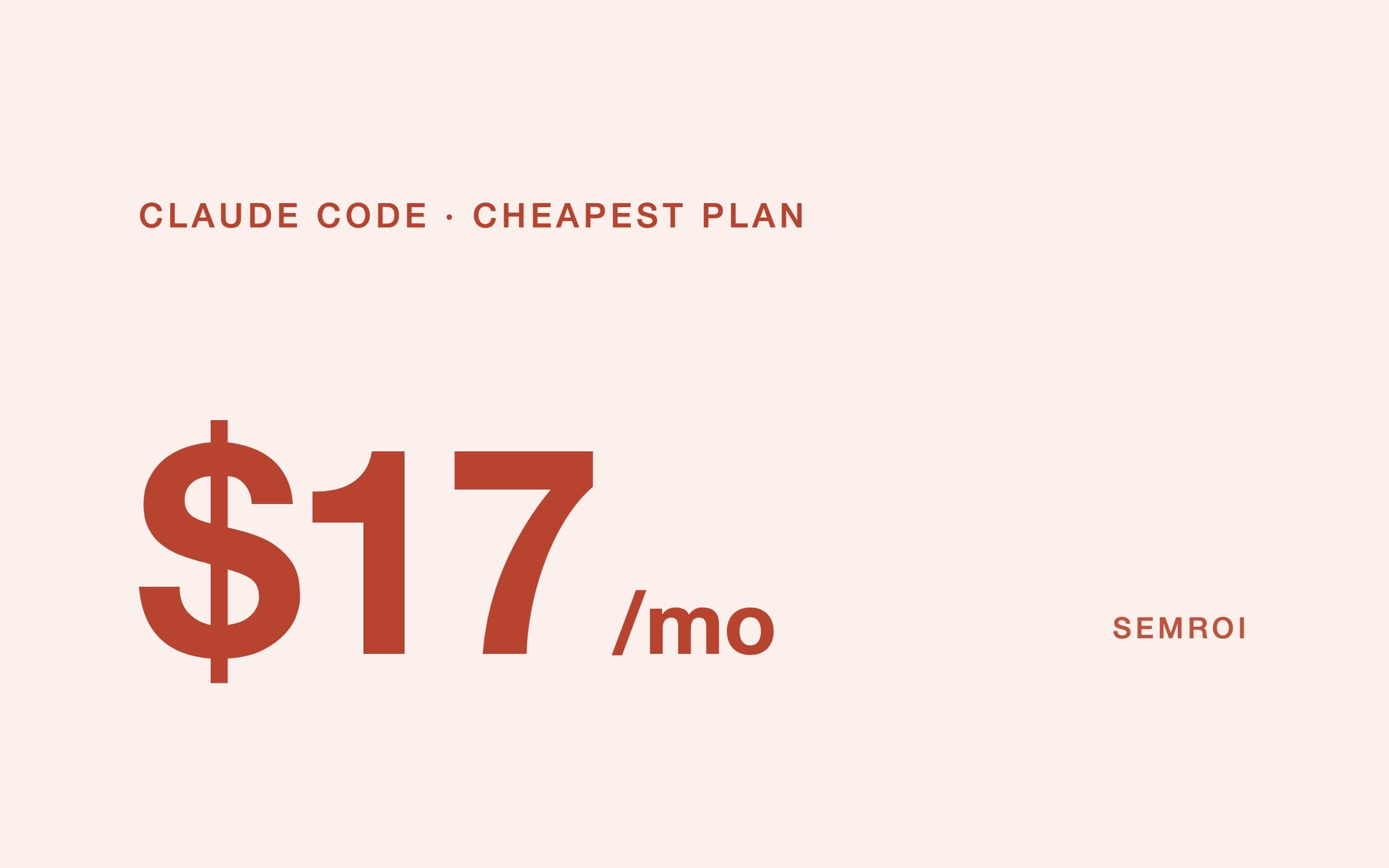
Short answer. Claude Code is Anthropic’s agentic coding tool. In Anthropic’s words, it "reads your codebase, edits files, runs commands, and integrates with your development tools." It runs in the terminal, in VS Code and JetBrains, in a desktop app and in the browser at claude.ai/code. It is included in every paid Claude plan from Pro ($17 a month billed yearly, $20 monthly), not in the Free plan, and it uses Claude Opus 5.5 by default.
What is Claude Code?
Claude Code is a program that gives a Claude model access to your project: it can read the files, search them, edit them, run your tests and terminal commands, and use Git. You describe the task in plain language ("add a date filter to the orders page and write a test for it"); it works out the steps, makes the changes and shows you what it did. That loop of plan, act, check is what makes it an AI agent rather than a code completer. If the term is new, see what an AI agent is.
In agent terms, Claude Code is a harness around the model: the tools, permissions, memory and checks that make the model useful. We explain the idea in what an agent harness is. Anthropic also sells the same engine for building your own agents, as the Claude Agent SDK.
Where Claude Code runs
- Surface: Terminal (CLI)What it is: The original: run claude in a project folderNote: macOS, Windows, Linux, WSL
- Surface: VS Code and JetBrainsWhat it is: Extension or plugin inside your editorNote: The VS Code extension also installs in Cursor
- Surface: Desktop appWhat it is: A window app for macOS, Windows and Linux (beta)Note: Needs a paid plan
- Surface: Web and mobileWhat it is: claude.ai/code in the browser and the Claude iOS and Android appsNote: Runs in Anthropic’s cloud
- Surface: GitHub, GitLab, SlackWhat it is: Mention @claude in a pull request, issue or channelNote: Opens changes as pull requests
| Surface | What it is | Note |
|---|---|---|
| Terminal (CLI) | The original: run claude in a project folder | macOS, Windows, Linux, WSL |
| VS Code and JetBrains | Extension or plugin inside your editor | The VS Code extension also installs in Cursor |
| Desktop app | A window app for macOS, Windows and Linux (beta) | Needs a paid plan |
| Web and mobile | claude.ai/code in the browser and the Claude iOS and Android apps | Runs in Anthropic’s cloud |
| GitHub, GitLab, Slack | Mention @claude in a pull request, issue or channel | Opens changes as pull requests |
Claude Code pricing: which plan do you need?
Claude Code is included in all paid plans and shares their usage limits. Limits reset on a rolling five-hour window plus a weekly cap, so there is no fixed number of messages. When you hit a limit you can keep going on usage credits at API rates.
- Plan: FreePrice: $0Usage: No Claude Code
- Plan: ProPrice: $17 a month billed yearly, or $20 monthlyUsage: Base usage
- Plan: MaxPrice: $100 a monthUsage: 5x Pro usage
- Plan: UltraPrice: $200 a monthUsage: 10x Pro usage per week, no five-hour limit
- Plan: TeamPrice: $20–25 per standard seat, $100–125 per premium seatUsage: Premium seats get 5x the standard usage
- Plan: EnterprisePrice: $20 per seat a month, 20-seat minimumUsage: Plus usage at API rates
- Plan: API (Console)Price: Pay per token: Sonnet 5.5 $2 / $10, Opus 5.5 $4 / $20 per million tokensUsage: No subscription
| Plan | Price | Usage |
|---|---|---|
| Free | $0 | No Claude Code |
| Pro | $17 a month billed yearly, or $20 monthly | Base usage |
| Max | $100 a month | 5x Pro usage |
| Ultra | $200 a month | 10x Pro usage per week, no five-hour limit |
| Team | $20–25 per standard seat, $100–125 per premium seat | Premium seats get 5x the standard usage |
| Enterprise | $20 per seat a month, 20-seat minimum | Plus usage at API rates |
| API (Console) | Pay per token: Sonnet 5.5 $2 / $10, Opus 5.5 $4 / $20 per million tokens | No subscription |
For one developer, Pro is enough to learn and for light daily use. People who keep Claude Code working for hours usually move to Max. For a company, Team or Enterprise matters for a reason beyond price: the data rules are different (see below).
How to install Claude Code
Anthropic recommends the native installer, which updates itself. Run one line, then open your project and type claude. You log in with your Claude account the first time.
# macOS, Linux, WSL
curl -fsSL https://claude.ai/install.sh | bash

# Windows PowerShell
irm https://claude.ai/install.ps1 | iex

# Alternatives: Homebrew or WinGet (no auto-update)
brew install --cask claude-code
winget install Anthropic.ClaudeCode

# Start in your project
cd your-project
claude
Requirements: macOS 13 or later, Windows 10 (1809) or later, Ubuntu 20.04+ or Debian 10+, 4 GB of RAM and an internet connection. The npm package still exists but needs Node.js 22 or later; the native installer needs no Node at all, which several older guides still get wrong.
Which models does Claude Code use?
The default is Claude Opus 5.5 on every paid plan and on the API. You can switch any time with /model: sonnet for Sonnet 5.5 (faster, cheaper), haiku for Haiku 5.5, opusplan to plan with Opus and execute with Sonnet, and fable for Anthropic’s largest model, which is never the default. Every current model has a one-million-token context window.
What Claude Code can do: the main features
- CLAUDE.md. A Markdown file in your project that Claude reads at the start of every session: your commands, conventions and rules. It also keeps its own notes from your corrections.
- MCP servers. Connect it to outside tools and data with one command, for example claude mcp add. See Claude MCP for the details.
- Skills and slash commands. Reusable instructions in a SKILL.md file, run with /skill-name.
- Subagents. Helpers with their own context, tools and permissions, for research or review in parallel.
- Hooks. Commands that run automatically at set points, for example a formatter after every edit or a block on certain files.
- Plan mode. Claude researches and proposes a plan without changing anything until you approve.
- Checkpoints. Every file edit is tracked; /rewind takes you back. Changes made by shell commands are not tracked, so keep using Git.
- Headless mode and the Agent SDK. claude -p runs a task without the chat, for scripts and CI; the SDK puts the same engine in your own app.
- GitHub Actions. Mention @claude in a pull request or issue and it analyses, changes and pushes code.
Is Claude Code safe?
Claude Code starts read-only. It asks before it edits a file or runs a command, unless you allow that action from then on. Read-only commands such as ls and git status run without asking, and it asks before touching anything outside the folder you started it in. You can move between permission modes with Shift+Tab:
- Mode: Default (manual)What happens: Asks before edits and commands
- Mode: Accept editsWhat happens: Edits files freely, still asks before commands
- Mode: PlanWhat happens: Researches and proposes, changes nothing
- Mode: AutoWhat happens: A second model reviews each action instead of you
- Mode: Bypass permissionsWhat happens: No checks at all: meant for isolated containers and VMs only
| Mode | What happens |
|---|---|
| Default (manual) | Asks before edits and commands |
| Accept edits | Edits files freely, still asks before commands |
| Plan | Researches and proposes, changes nothing |
| Auto | A second model reviews each action instead of you |
| Bypass permissions | No checks at all: meant for isolated containers and VMs only |
The /sandbox command adds an operating-system boundary around shell commands. It does not cover file tools, MCP servers or hooks, so a careless MCP server is still a risk. On data: your prompts and the model’s answers go to Anthropic over TLS. On consumer plans (Pro, Max, Ultra) your chats, including Claude Code sessions, can be used for training if that setting is on; you can turn it off. On Team, Enterprise and the API, Anthropic does not train on code or prompts sent to Claude Code, and data is kept for 30 days.
For client or company code, use a Team, Enterprise or API account rather than a personal Pro plan, and keep secrets out of the project folder.
Does Claude Code work in Turkish and Romanian?
Yes. Türkiye and Romania are both on Anthropic’s list of supported countries, and the list covers Claude Code. You can write to it in Turkish or Romanian, and the language setting makes it answer in your language by default, for example "language": "turkish". Code, commit messages and comments can stay in English while you talk to it in your own language.
How we use Claude Code
Claude Code is not an experiment for us; it is how we work. On client projects we run both development and marketing in an agentic setup: agents do the work, and a person on our team approves every step that matters (human in the loop). Agents get the project’s own knowledge through RAG, and the rules, tests and approvals live in code, in the harness. Where the field is regulated, agents do not work alone: in CarbonormAI they work together with services built as APIs. Myra Dental and our other client projects run on the same setup.
Claude Code vs Cursor vs Codex
Cursor is a code editor with its own built-in agent; Claude Code is an agent you can run in any terminal or editor, Cursor included. OpenAI’s Codex is the closest equivalent: a coding agent in the terminal, IDE and cloud, running OpenAI models. The choice is mostly about which model family you prefer and which plan you already pay for; many teams use more than one, which is one more reason to keep project rules in files any tool can read.
Frequently asked questions
Is Claude Code free?
No. The Free plan does not include Claude Code. The cheapest way in is Claude Pro at $17 a month billed yearly or $20 monthly, or pay-as-you-go API credits through a Claude Console account.
What is the difference between Claude and Claude Code?
Claude is the AI model and the chat app. Claude Code is a tool that lets Claude work directly in your project: read and edit files, run commands and tests, and use Git, with permissions you control.
Do I need to know how to code to use Claude Code?
It helps a lot. Claude Code writes the code, but you still decide what to build, review the changes and approve commands. Non-developers use it for scripts, data work and small tools, with care.
Which model does Claude Code use?
Claude Opus 5.5 by default. You can switch to Sonnet 5.5, Haiku 5.5 or Fable with the /model command.
Does Claude Code use my code for training?
On Team, Enterprise and API accounts, no. On consumer plans (Pro, Max, Ultra), only if the training setting is on; you can turn it off in your privacy settings.
Can I use Claude Code in Turkish?
Yes. Türkiye is a supported country, you can write in Turkish, and the language setting makes it answer in Turkish by default.
Sources
- Claude Code overview and setup
- Claude Code permission modes, security and data usage
- Claude Code model configuration
- Claude pricing (read 21 November 2026)
- Anthropic supported countries
- Claude Code
- Claude
- AI agent